SafeSurf gives parents peace of mind with a simple 1-click app that protects your children on every device. Free core protection, easy setup - just install and relax.
Powerful protection tools designed with families in mind. Simple to use, impossible to bypass.
Automatically blocks adult content, gambling sites, and other harmful material. Customizable categories let you choose what's appropriate for your family.
Protect every device in your home - phones, tablets, computers, gaming consoles, and smart TVs. One solution for complete coverage.
Military-grade encryption ensures your family's browsing is private and secure. Your online activity stays between you and your family.
See what sites your children are visiting and what's being blocked in real-time. Upgrade to Premium for 30-day browsing history and detailed reports.
Our global network of servers ensures zero slowdown. Kids won't even notice the protection - but you'll have peace of mind.
Core protection and real-time monitoring are completely free. Optional Premium unlocks 30-day browsing history and advanced insights for families who want more.
Get started in under 5 minutes. No technical knowledge required.
Sign up with just your email. No credit card needed, no strings attached. Your account gives you access to your family dashboard where you manage everything.
Download our simple 1-click app on each device you want to protect. We support iPhones, Android phones, Windows, Mac, Chromebooks, and more. Installation takes just seconds.
That's it! SafeSurf immediately starts filtering harmful content. Check your dashboard anytime to see blocked threats, adjust settings, or add more devices.
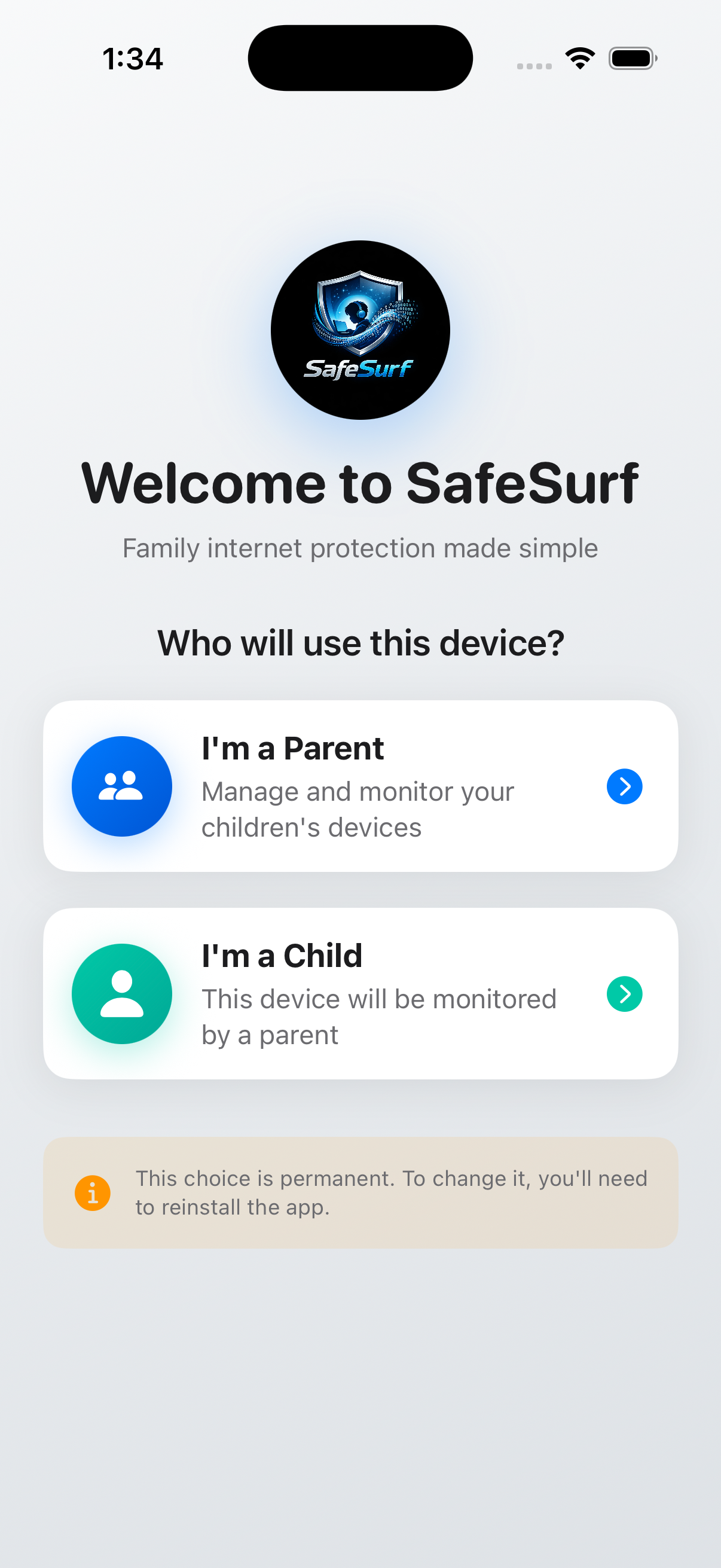
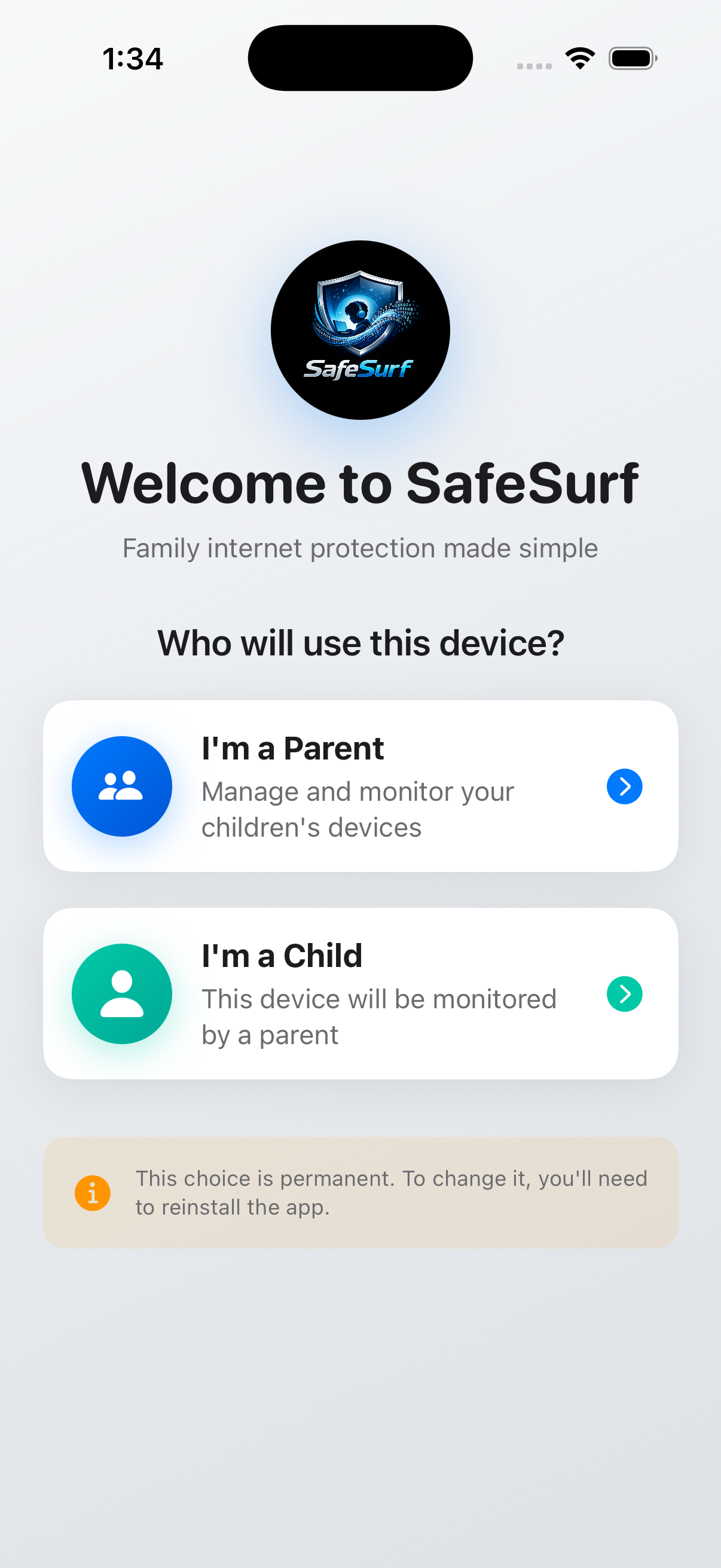
Launch the app and select "I'm a Parent" to manage and monitor your children's devices.
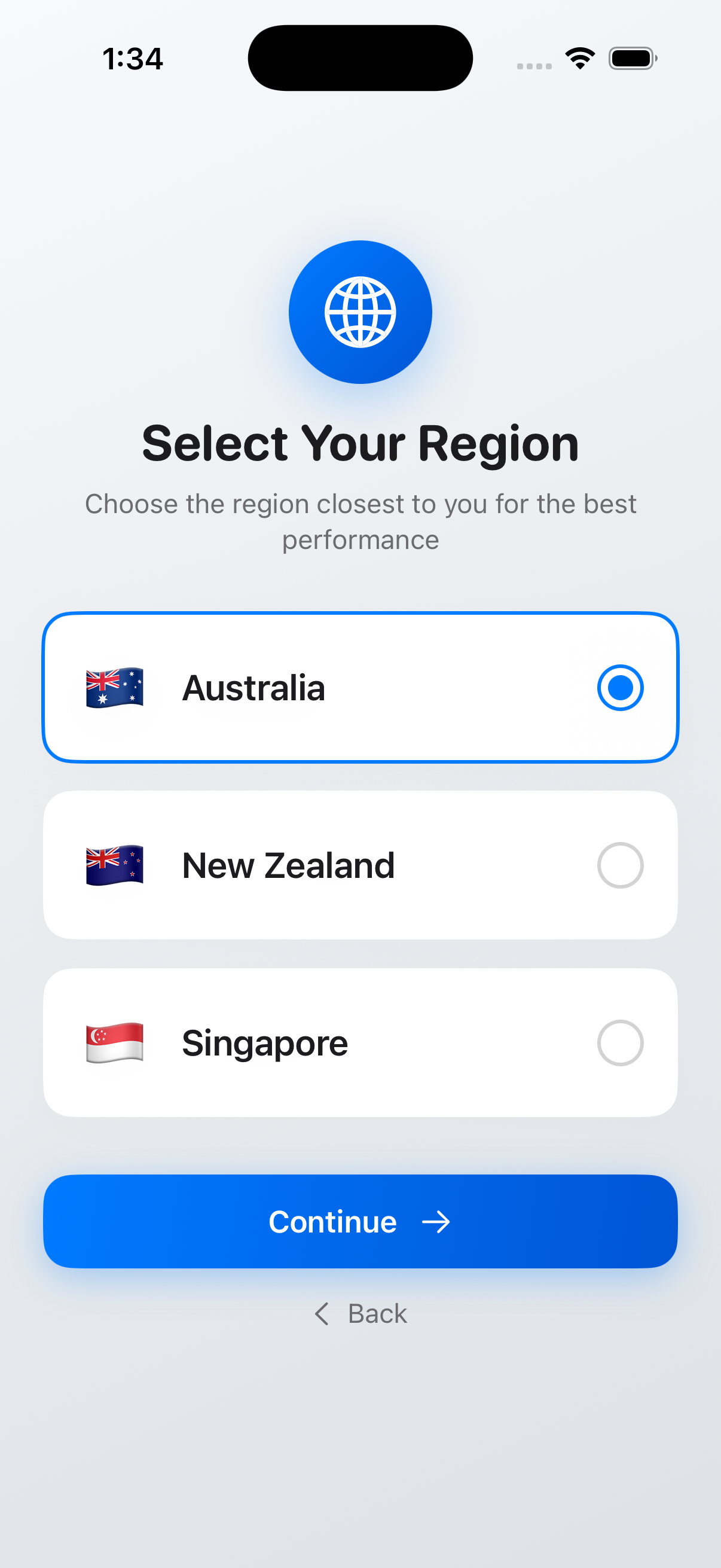
Select the region closest to you for optimal performance and fastest connection speeds.
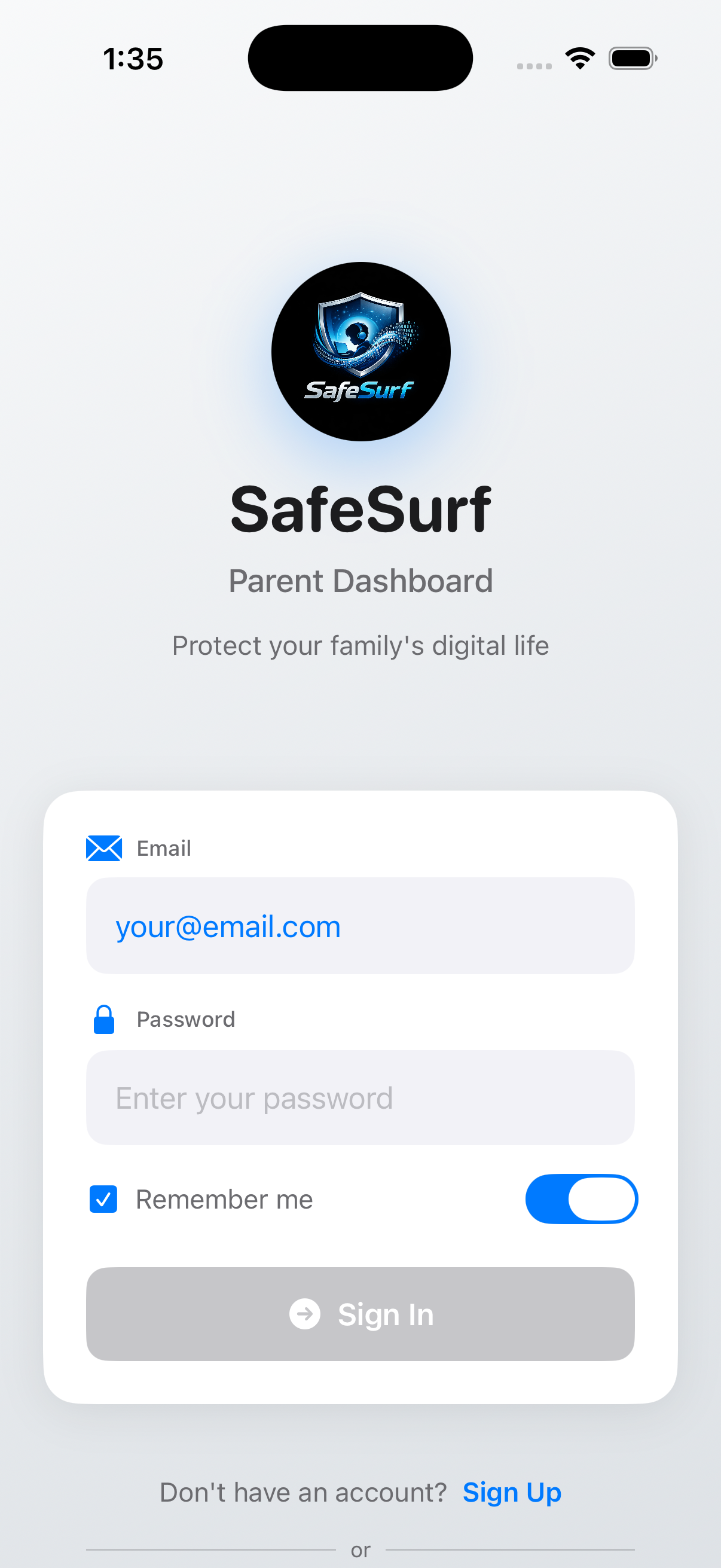
Enter your email and password to access your parent dashboard, or sign up if you're new.
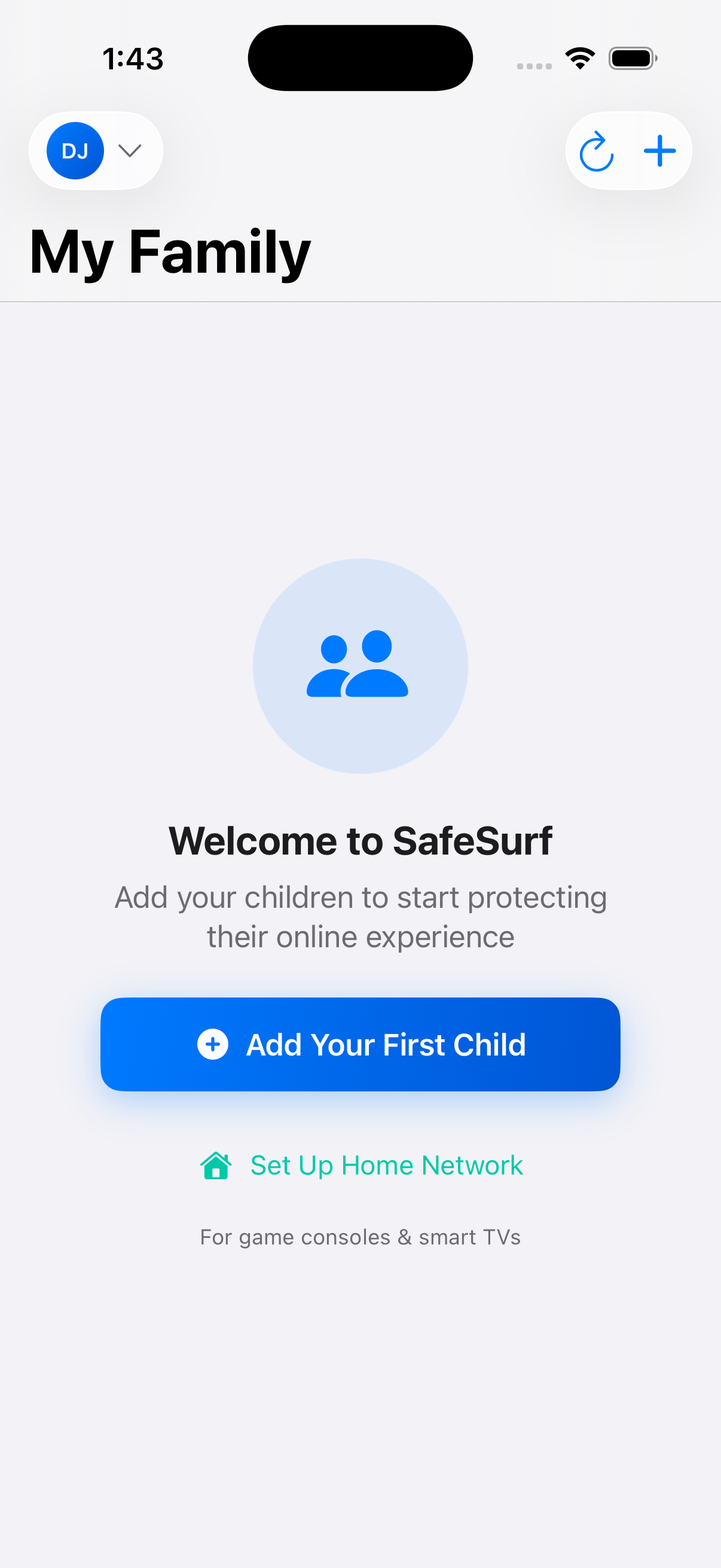
Welcome to your family dashboard! Tap "Add Your First Child" to get started protecting devices.
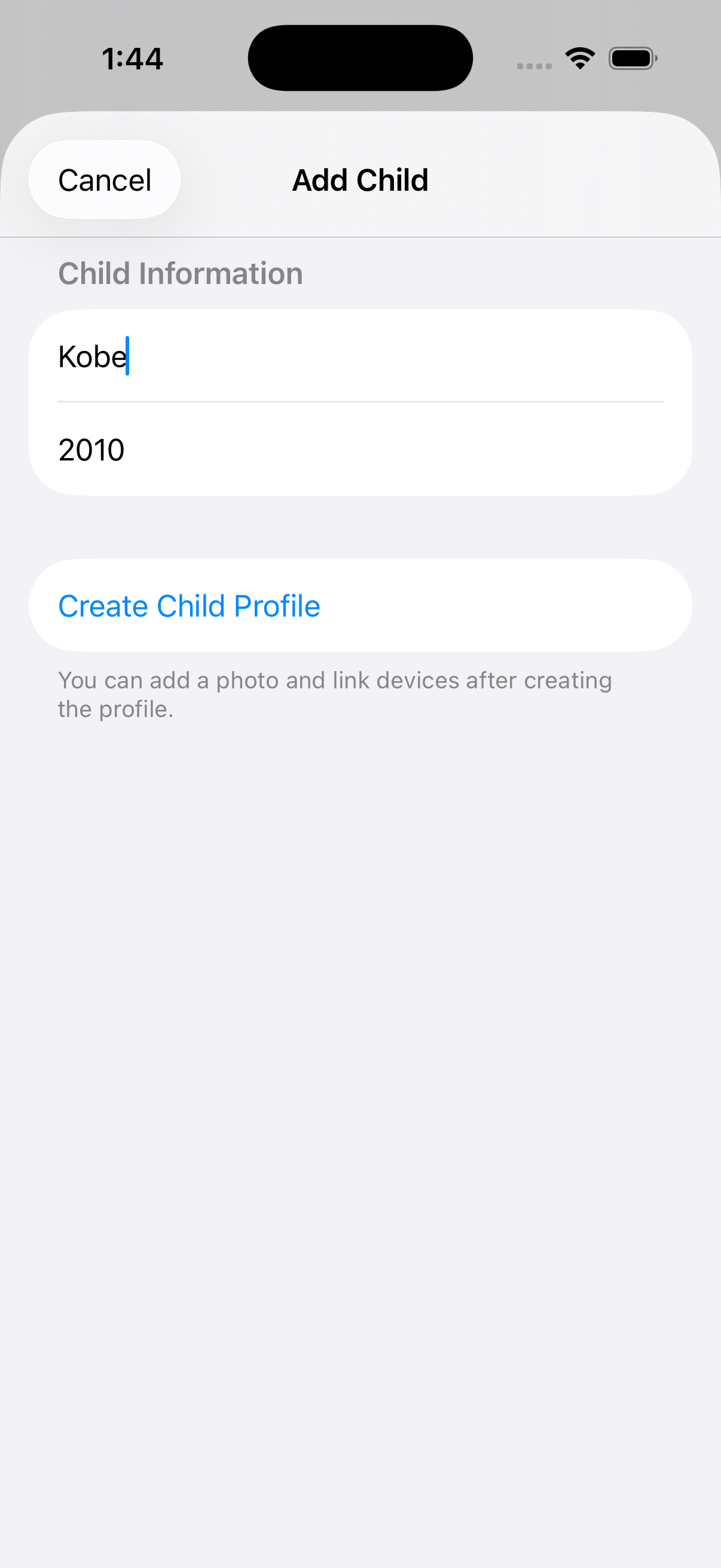
Enter your child's name and year of birth to create their profile. This helps customize protection levels.
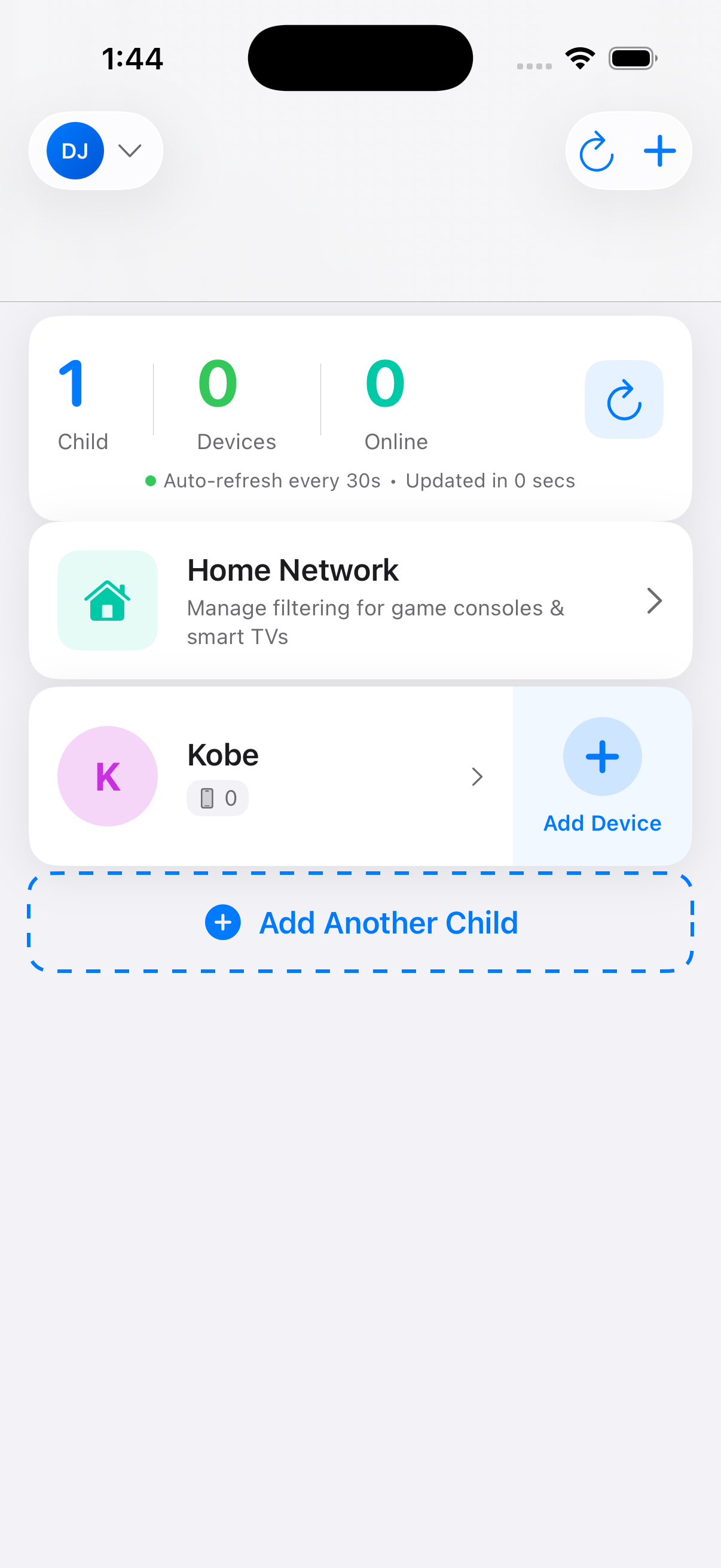
Your child's profile is created! Now tap "Add Device" to link their phone or tablet.
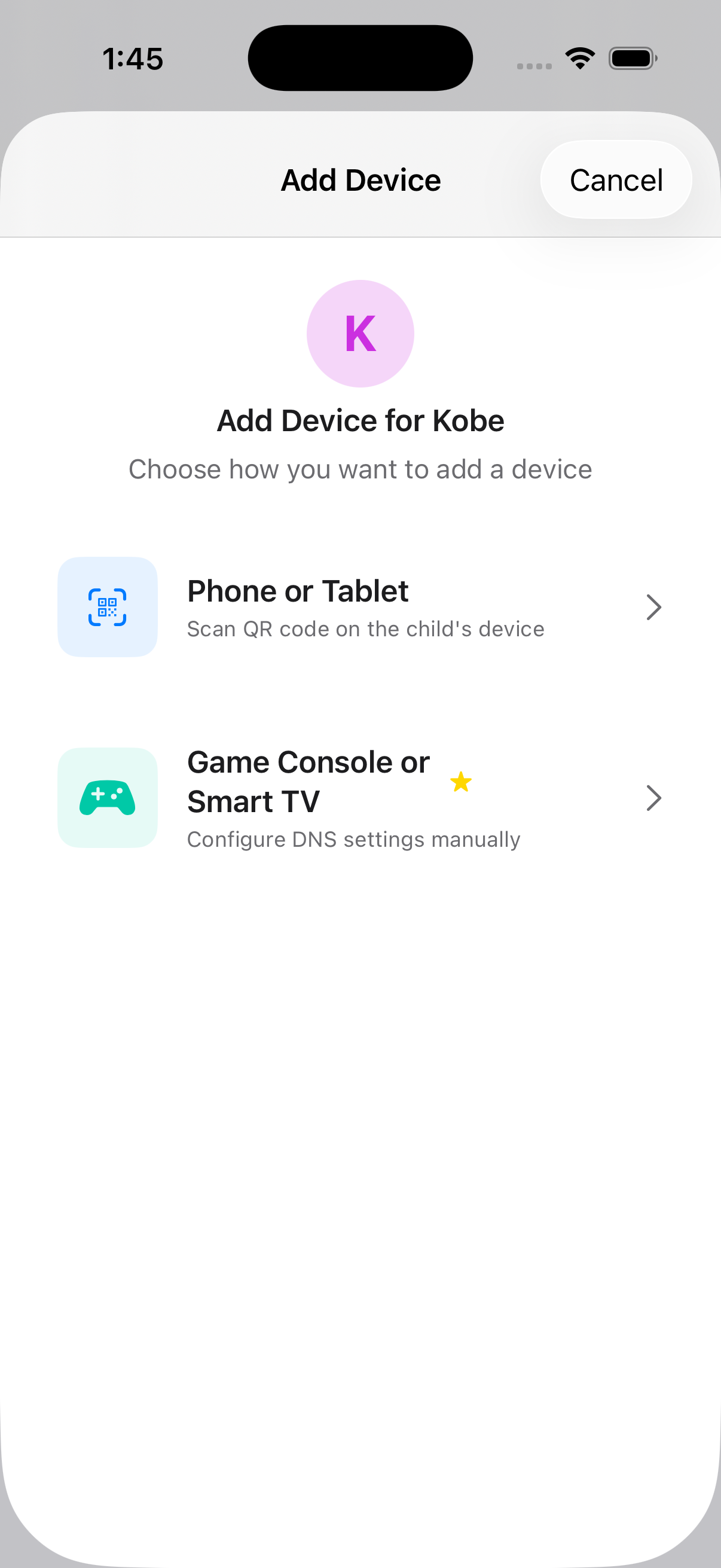
Select "Phone or Tablet" to use our quick QR code enrollment. This opens your camera to scan the code.
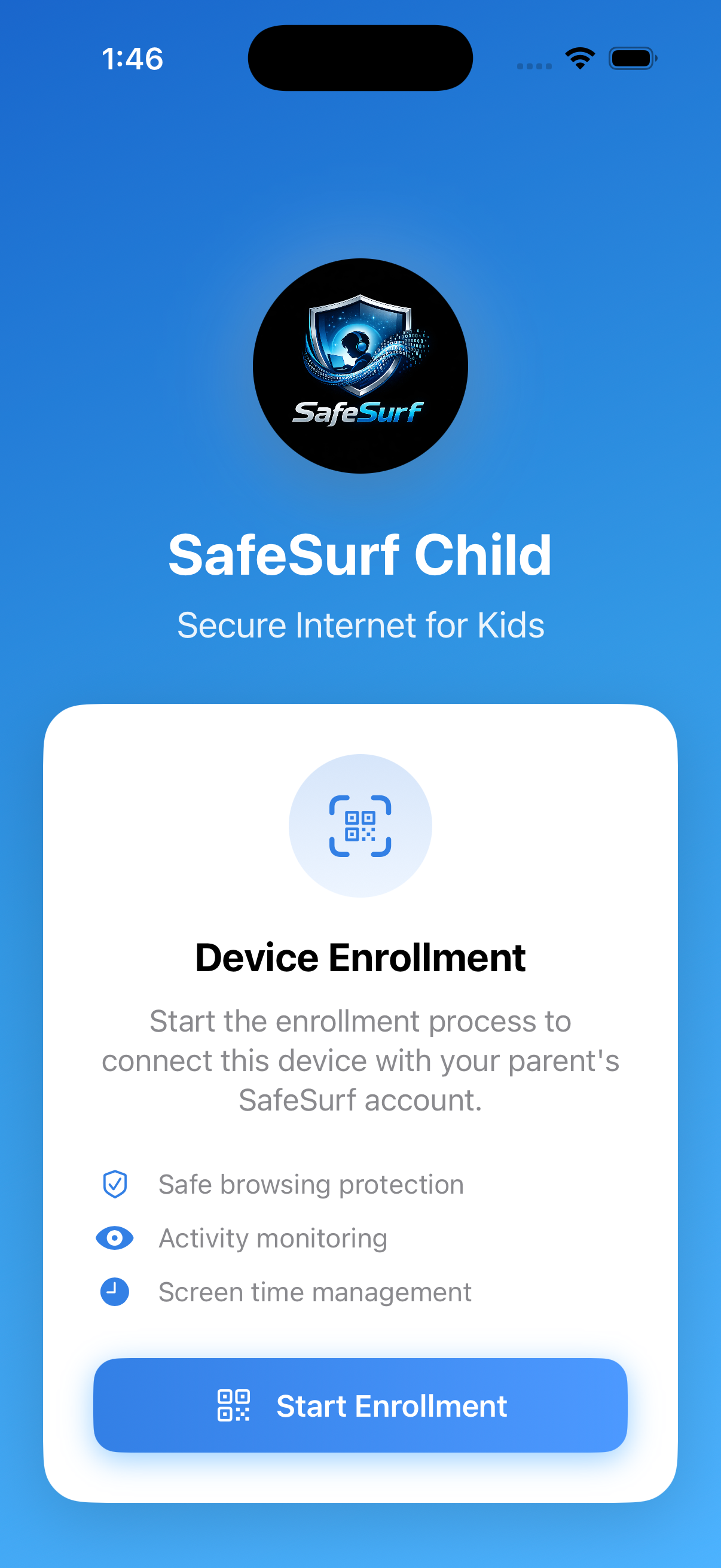
Download SafeSurf on your child's device and select "I'm a Child" to begin enrollment.
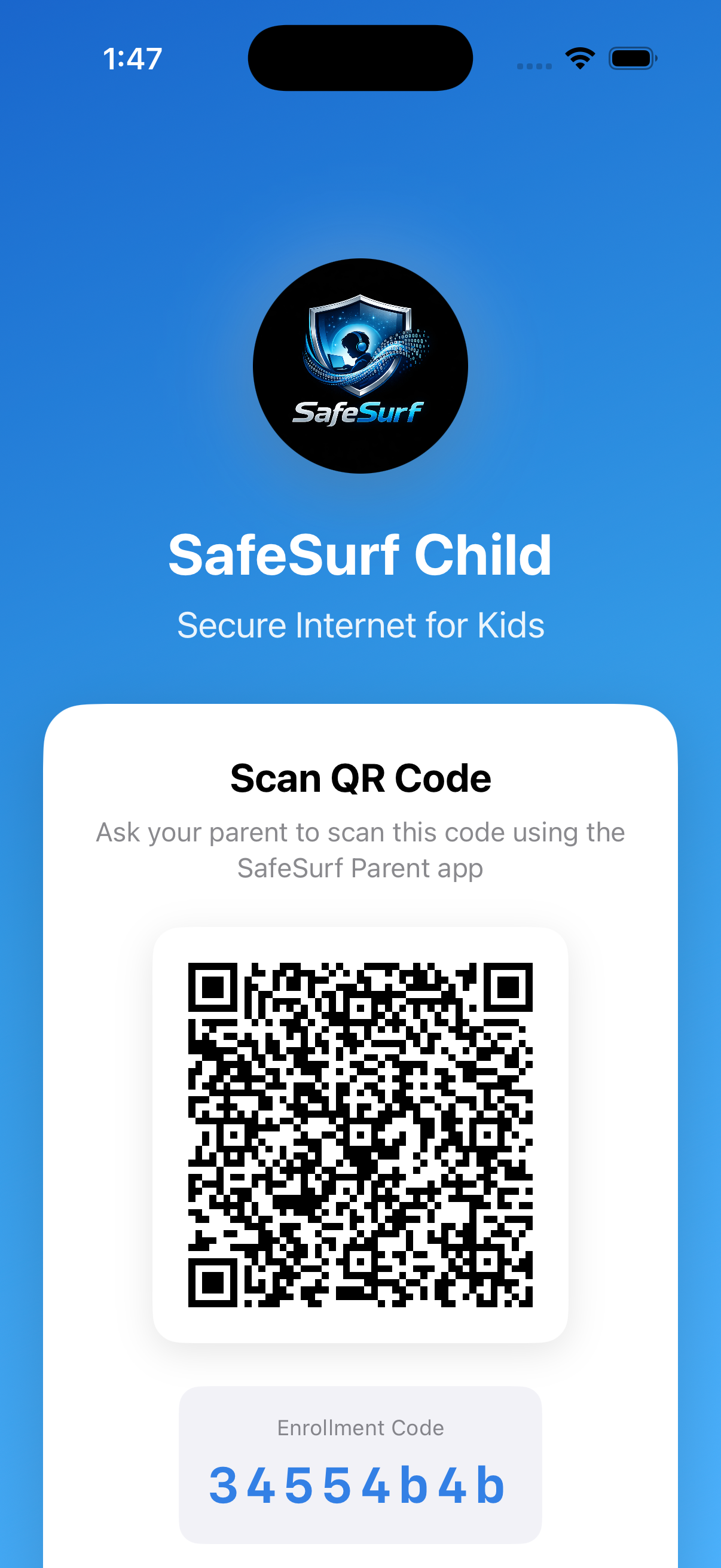
Tap "Start Enrollment" to generate the unique QR code for this device.
A unique QR code appears on screen. Simply scan it with your parent app and the device is instantly protected!
Once the QR code is scanned, your child's device is immediately enrolled and protected. SafeSurf starts filtering harmful content right away, and you can monitor activity from your parent dashboard.
See why parents love SafeSurf for protecting their children online.
Finally, something that actually works! My kids can't bypass it like they did with other solutions. And the fact that it's free is unbelievable.
As a tech-savvy dad, I was skeptical. But SafeSurf just works - it's secure, fast, and protects everything including our smart TV and gaming consoles.
Set it up in minutes and haven't worried since. My daughter can explore the internet safely, and I can see if anything concerning comes up.
Join thousands of parents who trust SafeSurf. Download our free app and start protecting in minutes.
Create Your Free Account →